
Helakuru10.3.10 - AppGallery
You'll be able to see results in few seconds.
Publisher Description
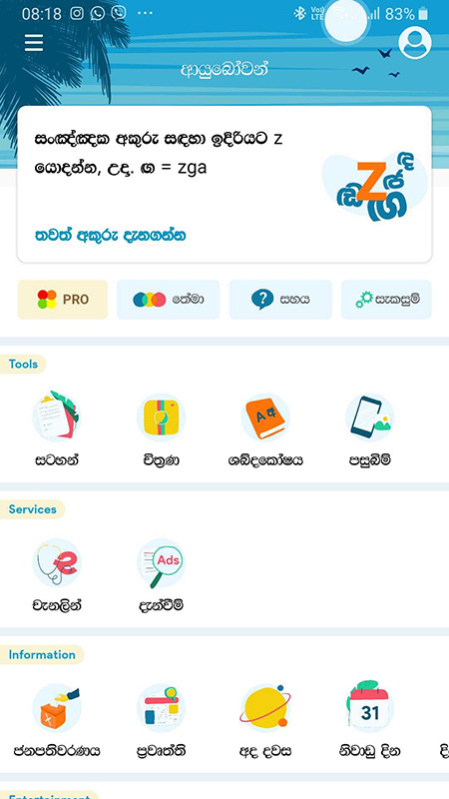
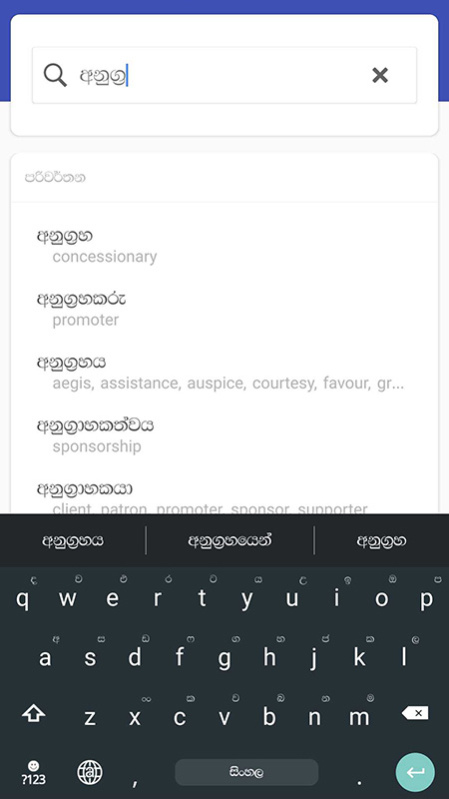
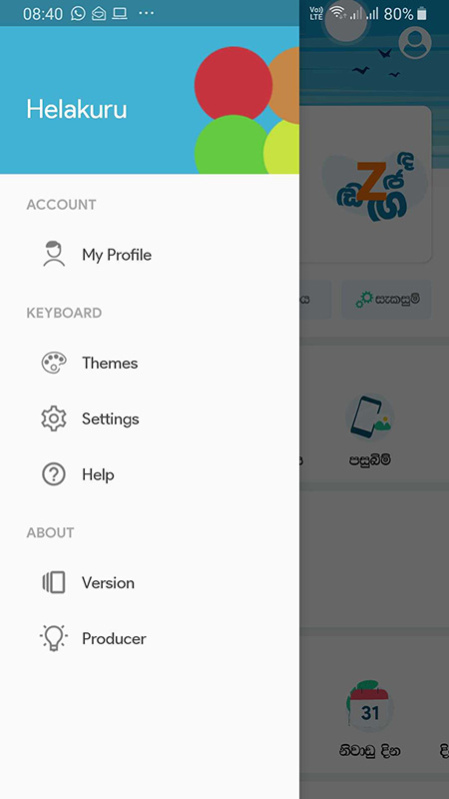
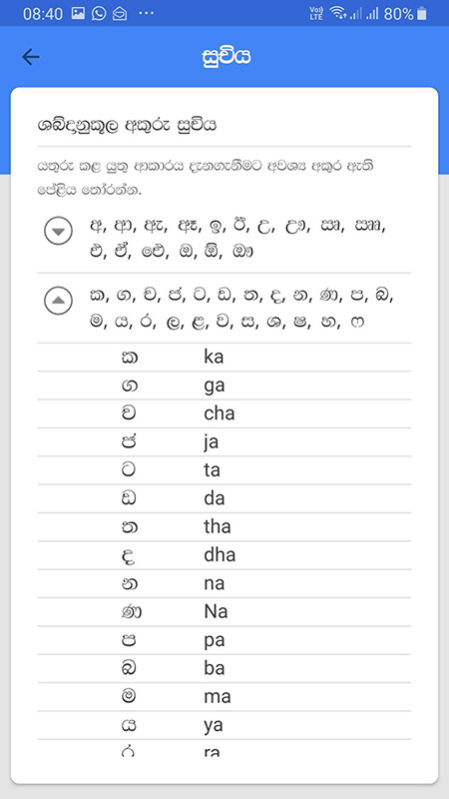
හෙළකුරු යනු මිලියන ගණනක් ශ්රී ලාංකීකයින්ට හෙළ බසින් ඩිජිටල් අවකාශයේ අදහස් ප්රකාශන හැකියාව ලබාදුන් ලොව ප්රථම මොබයිල් සිංහල යතුරුපුවරුවයි. හෙළකුරු 7 සංස්කරණයේ සිට හෙළකුරු අපේම ශ්රී ලාංකීය ඩිජිටල් අවකාශයක් බවට පත්වන්නේ "One Country. One App." තේමාව යටතේ ශ්රී ලාංකීකයින් තවදුරටත් ඩිජිටල්ව සවිබලගන්වන යතුරුපුවරුවෙන් එහා ගිය ඩිජිටල් සේවා ගණනාවක් සපයමිනි.
Helakuru is Sri Lanka's No.1 App with over 5 Million Users recognized as the Most Popular App of Sri Lanka by NYDB Awards 2016. Helakuru has bagged many National & International Awards including mBillionth South Asian Award 2014, e-Swabhimani National Award 2013, NBQSA National Award in 2014 & Sri Lanka's Best Local Language Product Award in 2014.
Helakuru empowers millions of Sri Lankans to type in Sinhala natively from their mobiles. It supports both Smart Phonetic & Smart Wijesekara keyboard layouts for Sinhala as well as Word Predictions & Voice Typing for Sinhala & English languages. You can use Helakuru to type in Sinhala/English faster than ever as Helakuru adopts very simple & easy to learn keyboard layouts for a beginner as well as for an expert in Sinhala typing.
About Helakuru
The company that develops Helakuru is Bhasha Lanka (Pvt) Ltd. The latest version released by its developer is 10.3.10.
To install Helakuru on your Huawei device, just click the green Continue To App button above to start the installation process. The app is listed on our website since 2023-05-10 and was downloaded 0 times. We have already checked if the download link is safe, however for your own protection we recommend that you scan the downloaded app with your antivirus. Your antivirus may detect the Helakuru as malware as malware if the download link to C101331091 is broken.
How to install Helakuru on your Huawei device:
- Click on the Continue To App button on our website. This will redirect you to Huawei Store.
- Once the Helakuru is shown in the Huawei Store listing of your Huawei device, you can start its download and installation. Tap on the Install button located below the search bar and to the right of the app icon.
- A pop-up window with the permissions required by Helakuru will be shown. Click on Accept to continue the process.
- Helakuru will be downloaded onto your device, displaying a progress. Once the download completes, the installation will start and you'll get a notification after the installation is finished.
Program Details
System requirements
Download information
Pricing
Version History
version 10.3.10
posted on 2023-05-10
Disclaimer
Official AppGallery Link
We do not host Helakuru on our servers. We did not scan it for viruses, adware, spyware or other type of malware. This app is hosted by Huawei and passed their terms and conditions to be listed there. We recommend caution when installing it.
The AppGallery link for Helakuru is provided to you by apps112.com without any warranties, representations or guarantees of any kind, so access it at your own risk.
If you have questions regarding this particular app contact the publisher directly. For questions about the functionalities of apps112.com contact us.
